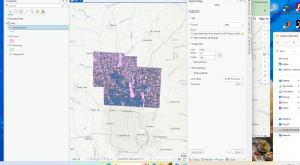
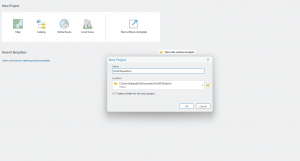
Ch 4 Importing data and setting up folder connections is a vital part of GIS you can organize details into spreadsheet tables, link separate information together . You also learn how to choose the right map so your shapes, distances, and areas don’t look distorted. Learning these steps ensures your data behaves correctly before you start running advanced map calculations or building final designs. Calculation tools contribute to success research of certain topics.
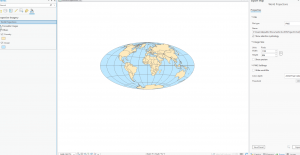
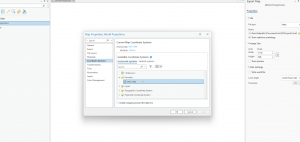
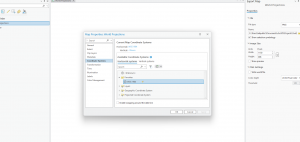
Ch5 Working with Map Projections was interesting, setting map coordinate system and layers is a very useful tool. You Learn to import and organize complex external datasets, specifically focusing on linking US Census map layers with demographic data tables. I finally learned how to successfully find, download, and bring geographic files from the internet straight into your mapping software.
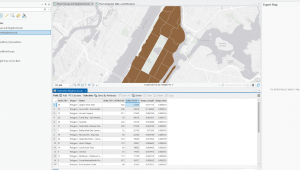
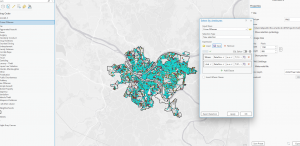
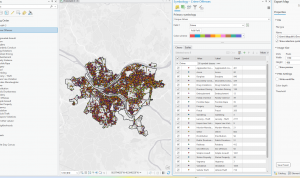
Ch 6 Geoprocessing using tools to analyze, alter, and combine different layers of a map to uncover new information. You can clear away small internal borders, letting you group smaller neighboring zones into larger regions like a single unified district. The chapter also teaches you how to use the clip tool to trim away unwanted map data so you only focus on your specific area of interest. I learned after some time how to use overlay where you extract neighborhood attributes to form study areas. This chapter puts valuable information into prospective.