Chapter 7
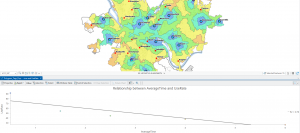
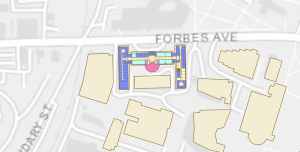
In chapter seven, we learned how to create polygon and point features. We also used a CAD drawing and learned how to match overlays with the basemap features. I really enjoyed this chapter. It was much more intuitive than the previous ones, and I absorbed the material quickly. We began by matching the outline to the buildings on the campus, and learned how to create intersections to split buildings. We then learned how to use the cartography tools to smooth areas on the map. The transformation with the links on the CAD drawing confused me at first, but the drawing helped me realize what it was asking us to do.
Chapter 8
Chapter eight was short but had us do a lot. We learned a lot about geocoding and how to use zip codes. Most of the chapter wasn’t a tutorial, but an introduction to geocoding. The first tutorial taught us how to apply zip codes. I thought it was interesting that it does it by matching rates with percentages. I never knew that was how it worked. I got an error when doing the collect events section in the first tutorial, but it looked the same as the picture in the textbook. The second tutorial went over how to use geocoding with addresses. It was a little similar in theory to the first tutorial, but it went more in-depth about connecting the address to a zip code and assigning them based on a match.
Chapter 9
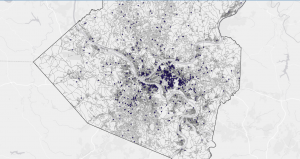
Chapter nine was also very interesting. It taught us about buffers and service areas. I feel like buffers are a very common thing to have on a map, so I am glad we went over how to apply these in ArcGIS. The first two tutorials were pretty self-explanatory. I was a bit confused with the rest of the chapter in some parts, because of the wording. It was also hard to tell what exactly we were doing. I really enjoyed learning everything in the fourth tutorial. I feel like learning how to find the most attended pools is something that is very important to use in real life.