Chapter Six
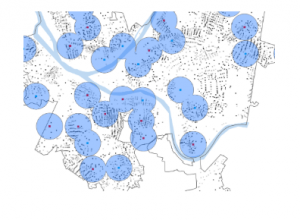
This chapter taught us the Geopreocessing tools. I learned to edit and create polygon features. My favorite part was moving the buildings around. I used CAD drawings to adjust various features. I think the best part of this chapter is that it didn’t feel like I was just following steps, but could see a real purpose. These tools would be great to update maps but also to see how particular features could fit into existing places. For example, if I wanted to look at laying new pathways through the campus, this would be a really helpful way to do it.
Chapter 8
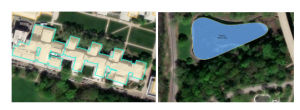
I practiced geocoding. I learned the main components of geocoding. When reading the introduction to this chapter I learned that there is an algorithm to help with spelling errors. A score is provided when a search is run and has penalty points for problems. This helps to select the best candidate according to what was searched for. This made me wonder if this is how Google Maps looks for the closest match when a misspelling is given. For example I live on County Road 11. Further down the road, the name changes. However, in Google Maps, they suggest the name of the road, further down (actually a different county), as the intended address. It also makes me wonder how this gets corrected.
Chapter 9
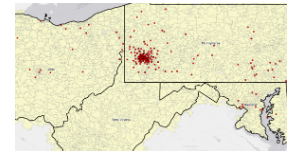
In this chapter I learned how to apply the spatial analysis tools for real world applications. Buffers and multiple-ring buggers are used to measure proximity. I was able to create service areas. I used ArcGis Network Analyst to locate places with constraints and observe patterns.