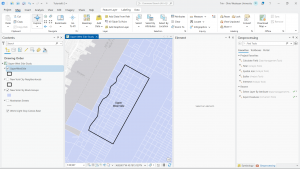
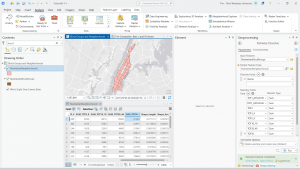
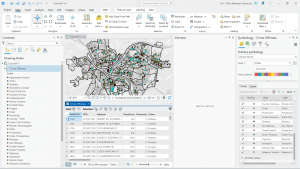
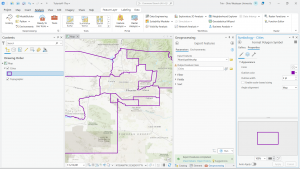
This tutorial book continues to go in depth on how to use GIS and how to use all the little features it has. Chapter four was tough for me; I was struggling to find a few of the attributes or tabs it was asking me to find. When I got to the portion where it asks you to delete the unnecessary portions of the “Tracts” tab, I was unable to, as the “delete” selection was greyed out. I am unsure of where I went wrong, but when I opened the attributes table for “Tracts,” it only showed one variable, while the attributes I was not able to delete were showing in another tab. When attempting to add the “GEOIDNum” field, it also did not show up in the attributes table. This very well could be user error, but I will have to go back to the first part of chapter four.
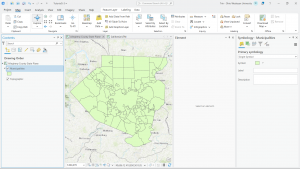
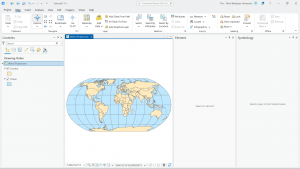
Chapters five and six, however, went very smoothly! The tutorials were lovely and worked exactly as stated in the text. I do like how the tutorials give you the opportunity to test the lesson with a different outcome at the end of each section. I do find it quite helpful. Chapters five and six dive deeper into the more technical side of using GIS programs by showing us how to change numbering settings, sort through information (by data, type, quantity, etc.), and change layering and location specifics. I am quickly realizing just how many options there are in ArcGIS and can see how each of them is extremely useful to the overall function of the program. I am excited to try to start a map from nothing but data, as everything has been handed to us thus far, but I definitely need more practice with the basics first.