Chapter 1
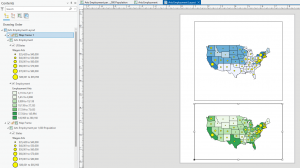
Starting off opening ArcGIS I was a little overwhelmed with all of the options and the layout of everything. But after looking at the tutorial in the book I found it very easy to follow. This chapter walked through opening projects, adding data, and understanding how layers stack and interact on the map. It focused a lot of basic tools like the zooming, panning, and how to access tables and bookmarks which I’d imagine are essential to know when going forward. I also liked how before and after every project it told me to save and where to save it to make it a habit. 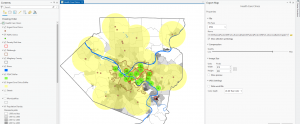
Chapter 2
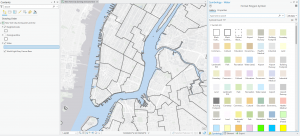
This chapter introduced how to add, organize, and manage different types of data in a project, which helped me understand how layers actually come together to build a map. It showed how to explore attribute fields more deeply like using the sorting, filtering, and selecting records for basic data. The tutorial also explored using the symbology tool which had a lot more applications than I initially thought. I thought it was cool how as you zoomed in the more in depth a building or place would get. Overall, this chapter made the software feel less overwhelming and showed how much control I have over how data is displayed.
Chapter 3
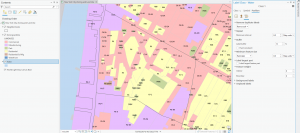
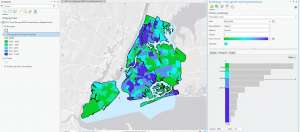
This chapter walked through running tools like Clip, Buffer, or Select By Location, which helped me see how spatial relationships can be analyzed instead of just viewed. It was also nice how the book would explain the purpose or the end goal of clicking on things instead of just blindly leading you. It helped me understand why I would press something and in what cases I would. Just like the picture below I thought it was cool how you could make and design papers or projects on the program. I also really like designing the graphs like the chart in the tutorial that visualize numbers. This chapter made me realize how cool of a resource ArcGIS is and how I might be able to use it the future.