Chapter 1
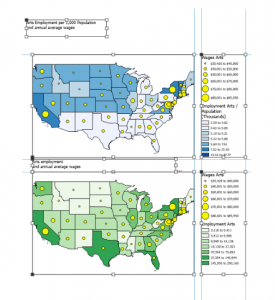
Working through the tutorials has really helped me put these concepts into practice. One area that I struggled with in Chapter one was creating a bookmark. I went through all of the steps several times and it would intermittently allow me to create a new bookmark. I learned how to open and manage a project, explore the map view, and use essential interface components such as the ribbon, Catalog pane, and Contents pane. This chapter also helped me understand different types of data, including vector and raster data, and how layers are organized within a map. Learning how to pan, zoom, and identify features improved my ability to explore geographic information. Overall, Chapter One built a strong foundation by helping me understand both the theory behind GIS and the basic tools needed to begin working in ArcGIS Pro.
Chapter Two
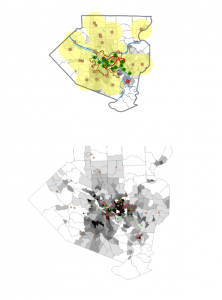
This chapter focused on changing the symbolization on maps and the labels. My favorite part of this chapter was the 3D scenes. I struggled a little with the visibility features and how to make some visible and then not visible when the map was zoomed in and out. I learned about adding data layers, examining attribute tables, and using selection tools to analyze geographic features. I learned how to query data using attributes and location to answer specific questions.
Chapter 3
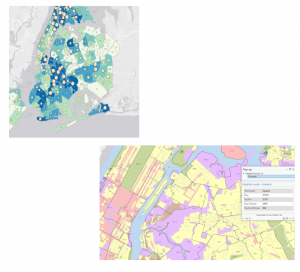
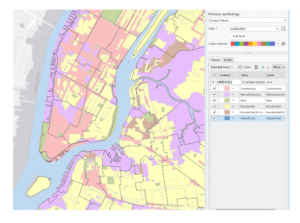
In this chapter I made some maps and shared my maps. I also used the online version of ArcGIS. The online version makes these maps interactive. The tutorial taught me how to add and symbolize different data layers, adjust map layouts, and interpret attribute tables to understand geographic information more clearly. I also learned about selecting features, buffering, and querying data to analyze spatial relationships. An important takeaway was understanding coordinate systems and why consistent projections are essential for accurate mapping. Overall, the tutorial helped me see how GIS can be used to visualize, analyze, and solve real-world problems. It helped me be more efficient in ArcGIS Pro.