Chapter 1:
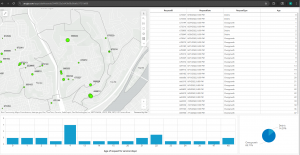
The first chapter of the ArcGIS Pro Tutorial textbook went over the basics of using the application. I found the chapter easy to understand and extremely helpful, as it was the foundation that helped me better understand the rest of the textbook. I was able to understand the layout of the app, as well as how to navigate maps within the app. One of the more useful sections to me was the one on working with tables on attribute data and how to manipulate said data from within the application. I also found the section on working with 3D maps, because I didn’t think we would be covering that material in this chapter. Overall the chapter had a lot of good foundational knowledge, and it prepared me for covering the rest of the assigned chapters.
Chapter 2:
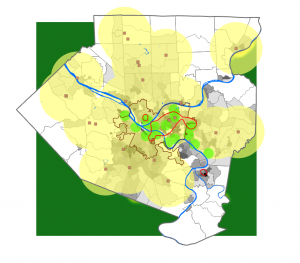
This chapter was more content-heavy than the first, and focused more on how data can be manipulated within ArcGIS. I did enjoy it, and found it easy to understand. I found it easy to grasp the use of definition queries to make a subset of map features, creating 3D scenes and dot densities. It did make me wonder if there is a maximum number of queries that can be applied on an attribute at one time. We also covered the use and creation of bookmarks, and I wondered if there was a maximum number of bookmarks that could be applied to a map.
Chapter 3:
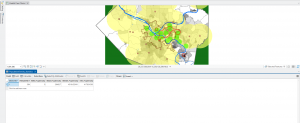
This chapter went over how information processed in ArcGIS can be presented and shared to those who do not have the application. It also allowed me to get acquainted with the ArcGIS website and how to share data there under your account name. It also covered how to create and customize legends, charts and graphs within GIS as well as how to share them in a way that is viewer friendly and easy to understand. My favorite section was the one that covered the creation and customization of dashboards. One question about the different ways we will be using the ArcGIS website in the future, and if 3D data could be shared on the site.