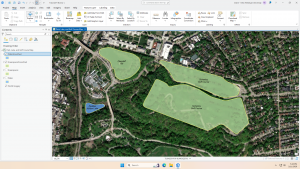
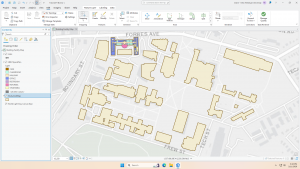
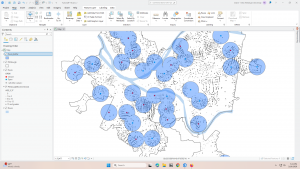
Altering the polygons in chapter 7 was simple because it was pretty intuitive. I’m curious about making CAD drawings. I wouldn’t think that a map of that size would want the interior usage of the buildings displayed. I assumed it would be a scenario where you would use separate maps, one for the full land area and individual floor plans for each building, since its so much information to have on a single map.
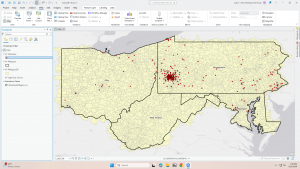
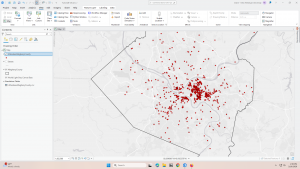
Chapter 8 was also easy, since it was a short chapter. It is interesting that setting the needed score lower can make so many mistakes, even if there is a perfectly matching address already. I would think that it would run through perfect matches first, then move on to anything else, but it looks like it runs them all at once.
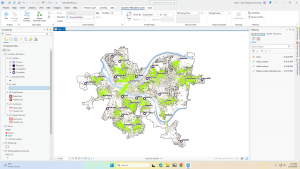
In 9.3, I restarted at one point because the usage percentages didn’t match with what the book said they should be. They were over 100% for each section. I got the same numbers the second time though, and when I tried to mess with the equation a little, I was still unable to get it to match. The book says that the 11.3 in the equation is to calculate for having a partial sample of the population, but I think that number might be what is causing the difference in percentage usage.
In “Select by Attributes” you can either hit “apply” or “okay.” Is the difference just that “apply” doesn’t close the pop-up, but “okay” does? It seems to do the same thing.