Chapter 7
This was my favorite chapter!
I have to admit, the idea of creating features within the software was something I one hundred percent expected to be brought up way earlier. Although I do not understand its placement I found the activities in this chapter to be rather fun and rewarding. The whole thing was reminding me of a course I took in High School about using Autodesk Inventor and I was very easily able to apply what I have learned from then to this.
The different selections necessary to execute the activities were far less impressive. It seemed that after moving/adjusting the polygons, I had to click like three things in three different toolbars to get back to the standard “click and move” function. This was highly annoying, but not nearly as bad as the ways to edit the properties of the polygons themselves. I would have appreciated a much more simpler form of changing the names of these campus buildings to something vaguely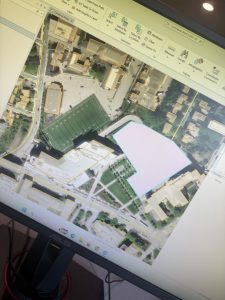 funny.
Chapter 8
Very short chapter with very little in my opinion to write home about. (Ironically, I am writing about it.)
Chapter eight mainly had tutorials on how to mark different postal codes and street addresses within the map software using the examples of Ohio, Pennsylvania, West Virginia, and Maryland. Despite how short the chapter was, I found the methods used in the books to be rather finicky and many times it made references to toolbars or menus that I swear to god I have never heard of before and to which the search/help function on ARCGISPRO gave little help on.
Chapter 9
Final chapter!
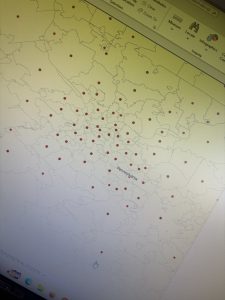
I was very much so intimidated going into this chapter as the textbook labeled this as an “advanced application” or something like that but frankly, it was not all that bad. It was a pretty average chapter all things concerned. Chapter nine just discussed proximity analysis and how to use buffers and other maps to cross reference data with it. The example in particular used locations of town pools as well as locations of possible customers to the pools.