Chapter 4:
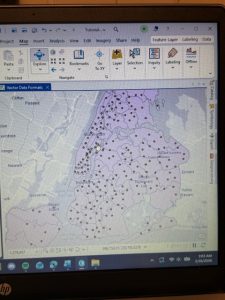
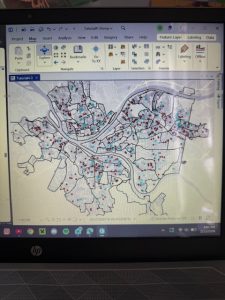
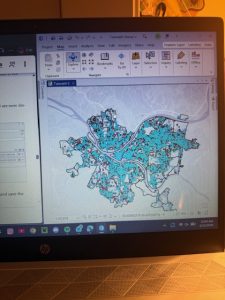
This was a difficult chapter for me to navigate, and it took me a while to fully understand what parts of the tutorial would ask of me. I was constantly going back and having to retrace my steps in the 4-2 tutorial, but it was cool to learn how to use the tables more, and this chapter definitely made me feel much more confident in understanding specifics like attribute tables and SQL queries. The repetition is very helpful. I had a few issues with the “tracts” area, calculating them and sorting parts. I googled a few parts of it and seemed to get back on track, though.
Chapter 5:
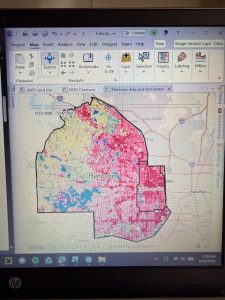
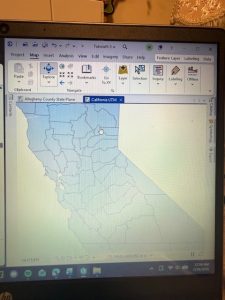
This chapter went much faster for me; a lot of it was simple configurations of maps. It was really repetitive, and the tutorials went by really fast, but it was still cool to do. 5.1 and 5.2 were quick, doing simple map projections, and the your turn sections made sense. 5.4 and 5.5 took me a bit longer; there were simply some parts where it would ask me to click something that wasnt there because I had skipped over a part by accident, or the files would get a bit confusing to look at, and I’d have to back track. In 5.5, I took some time trying to add data to my map, for some reason, it wouldn’t load for me, and I had to try and figure out why it wouldn’t show up. My add join tool was also acting up, but I was able to work around it. There was lots of inputting data in this section, so I feel a lot more comfortable with doing the inputs and outputs now. My map didn’t come out exactly like how the tutorial looks, but I think I still did most of it correctly. In 5.6, I had trouble because I accidentally pressed USA NLCD annual Land Cover instead of legacy, and it messed up my whole map, so it’s definitely important to pay close attention to each title you press, even if they’re similar. I got a good grasp on census data, too.
Chapter 6:
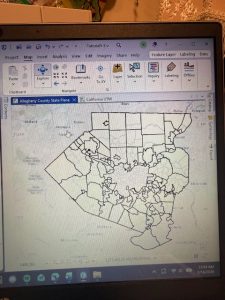
I liked this chapter and its tutorials; it was very easy to follow and use the search bar to complete things and follow along with every part it asked for. The geoprocessing sections helped me a lot since I was confused on that a bit in the last chapter. I liked that these tutorials were quicker to follow, but I wish there were longer “your turn” sections to help me apply what I learned. I only got a bit lost with the whole Tabulate Intersection part at the end of 6, but it was really helpful to learn through these chapters and apply new data to things.