Chapter 4
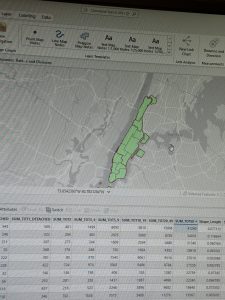
Chapter 4 covered the process of creating different selections and selections by attributes. The selection by attributes feature allowed the user to select certain columns based on the different fields that were imputed. Additionally, there was the added feature of a definition query that can narrow down the attribute table depending on what the user is looking for. I had a bit of trouble differentiating when to use the definition query and selection query; however, I eventually figured it out. A large portion of the chapter was about creating calculations within the attribute table by using the calculate field button. One feature I learned about from chapter 4 was the Geoprocessing tool pane, which allowed me to use a search bar in order to find different tools. I assume that will be a tool I will be using a lot when I begin my final GIS mapping project. It was actually very interesting to see how one could utilize ArcGIS to narrow down the perpetrator of a burglary. I have definitely become well accustomed to the usage of the attribute table, and it helps to know its various uses, such as creating selection queries, viewing the selected records, and comparing numeric values. I had many questions when attempting to complete this chapter’s tutorial, one being how to create different active definition queries; however, I found the solution when I eventually realized that there was a different tool to make secondary selections through the selection by attribute tool.
Chapter 5
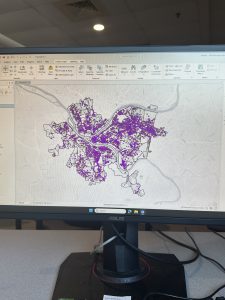
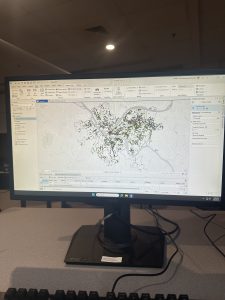
Chapter 5 had covered the specific geographic pinpointing using latitude and longitude. Longitude is a measurement from east to west, while latitude is the measurement from north to south, and together they make up the coordinate system. Additionally, it had me venture out of GIS to attain data files from outside websites, such as the U.S. Census. I find that those skills in particular that it had walked me through will be useful in my final, as I will presumably have to find outside data to apply to my map. Moreover, it was the teaching of how to implement those files that will definitely help me in the future. It had also walked me through importing tables from Microsoft Word as well, which I had a tad bit of difficulty with, but I figured it out. I would say one feature that I was left confused with was the add join tool, as it had caused a halt in my progress, as the instructions felt slightly unclear. Overall, this may have been the chapter I had the most trouble with, just simply because I had so much trouble with the add join tool, but overall, it was somewhat understandable.
Chapter 6
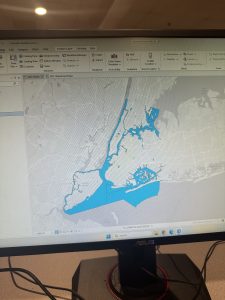
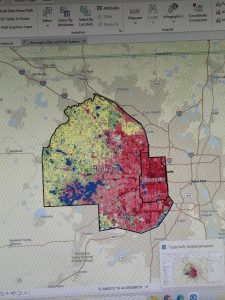
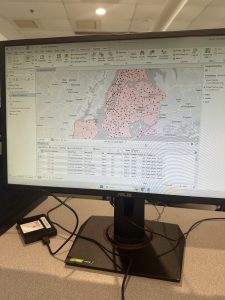
Chapter 6 was definitely more straightforward than the previous chapter, and I found its content easier to digest. Much of this chapter consisted of finding different tools within the geoprocessing toolbox and navigating how to use them. Some of these tools include the pairwise tool, the merge tool, the clip tool, and many others, which are typically to alter different qualities on the map or in the datatables. Another helpful set of abilities within GIS is the selection group, which the chapter showed me how to use the three different methods for selection: select, select by attributes, and select by location. I imagine this would come in handy when trying to view traits on an attribute table for a specific location. I think it was cool to see New York used as an example for this chapter again, as it shows off the wide variety of traits that a location can have. Overall, I liked this chapter, and I found it interesting to explore all of the different types of tools that the application had to offer.