Chapter 1
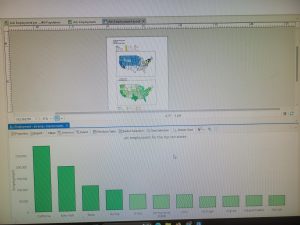
I learned how to start making a basic map using GIS software. I practiced adding layers to a map and understanding how different layers represent different types of information, like locations, boundaries, and features. I also learned how to navigate the map, zoom in and out, and adjust how the data is displayed. I found this tutorial very easy, and starting out with Allegheny, Pennsylvania, made me feel very confident.
Chapter 2
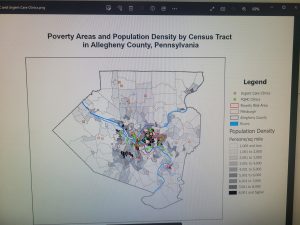
I learned how to improve a map by using colors and symbology to represent different parts of a city. I worked on changing the appearance of map layers so that different areas were easier to see and understand. This helped show how maps can communicate information visually, not just display locations. The most challenging part for me was finding and selecting the exact colors needed for each section.
Chapter 3
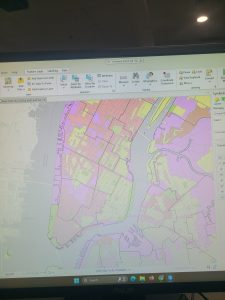
I worked on creating two different maps, which made this chapter the most challenging for me. I had to repeat many of the same steps for the second map, and I often got lost trying to remember what to do next. This chapter helped me practice staying organized and understanding the full mapping process from start to finish. I also struggled with creating and formatting the title rectangles, but after some trial and error I was able to figure it out.