Chapter 1:
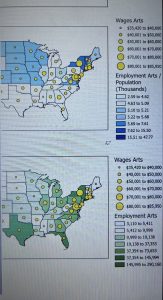
This chapter was not very difficult as I have used most of these features before. Instructions were generally easy to understand but I did have some issues with buttons being greyed out (among other things) when I was told to click on them. I am sure this is due in part to user error. I had other issues like things not appearing that were supposed to. I like that they go through a lot of the features just to show us how to use them and turn them off so we know where they are and how to use them. I like that we can toggle different layers to get different mixes of information.
Chapter 2:
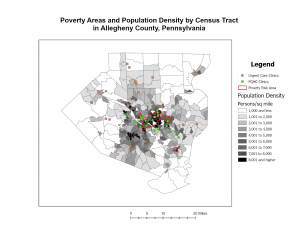
I had more issues with this chapter. For example, it says “In the Contents pane, drag Over Age 60 Receiving Food Stamps above the 3D Layers heading.”, which is impossible because Over Age 60 Receiving Food Stamps is a subheading of 2D (again, I was probably just doing this wrong). I like how many different ways there are to customize your map and make it accessible.
Chapter 3:
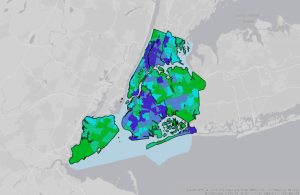
I could not get the text box to work for some reason, I couldn’t figure out how to write in it, I tried in multiple places. I also could not figure out how to get the ruler to work. I like how many options for map elements and surroundings we have. The instructions for all three chapters were confusing and at times difficult to follow.