Chapter one introduces ArcGIS Online as an affordable and communal GIS resource that is good for both community sharing and private use cases. ArcGIS Online is an easy to learn, easy-to-use, and easy-to-maintain site that allows public access to GIS tools and programs. The author describes GIS as a tool with a large variety of applications, including government resources, businesses, scientific data, scientific research, and uses for daily life or travelers. ArcGIS Online is run by ArcGIS Enterprise, which has four components for different use cases and steps in processes. These are Portal for ArcGIS, ArcGIS Server, ArcGIS Data Store, and ArcGIS Web Adaptor. Each of these components allows for the creation and sharing of ArcGIS Online materials. This chapter also goes through some of the simple functions that ArcGIS shares on its website and were included in last week’s tutorial, such as layering, sharing features, and basemaps. A lot of the information in the tutorials of chapter one is the same as the information we gathered in last week’s tutorial.
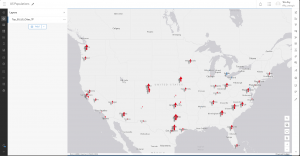
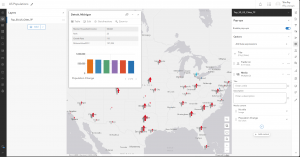
Chapter two covers the importance of layers and the different kinds of layers utilized in ArcGIS Online services. Smart mapping, or the idea that a map should be visually proper and in the correct format for the data’s intention, is also covered in this chapter. It shows us many examples of different mapping formats and their use cases, such as pinpoint locations or gradient style maps, which can be used for displaying all the cafes of an area or the area’s predicted temperature, respectively. Labels and pop-up information are also important parts of ArcGIS online, allowing more information about a specific point to be shown when desired, as opposed to constantly obscuring the rest of the map’s data. Chapter two also goes into the importance of storytelling and how data should be displayed in the manner most appropriate to its intended audience.